The short answer
- Can you play SSX 2012 on PC?
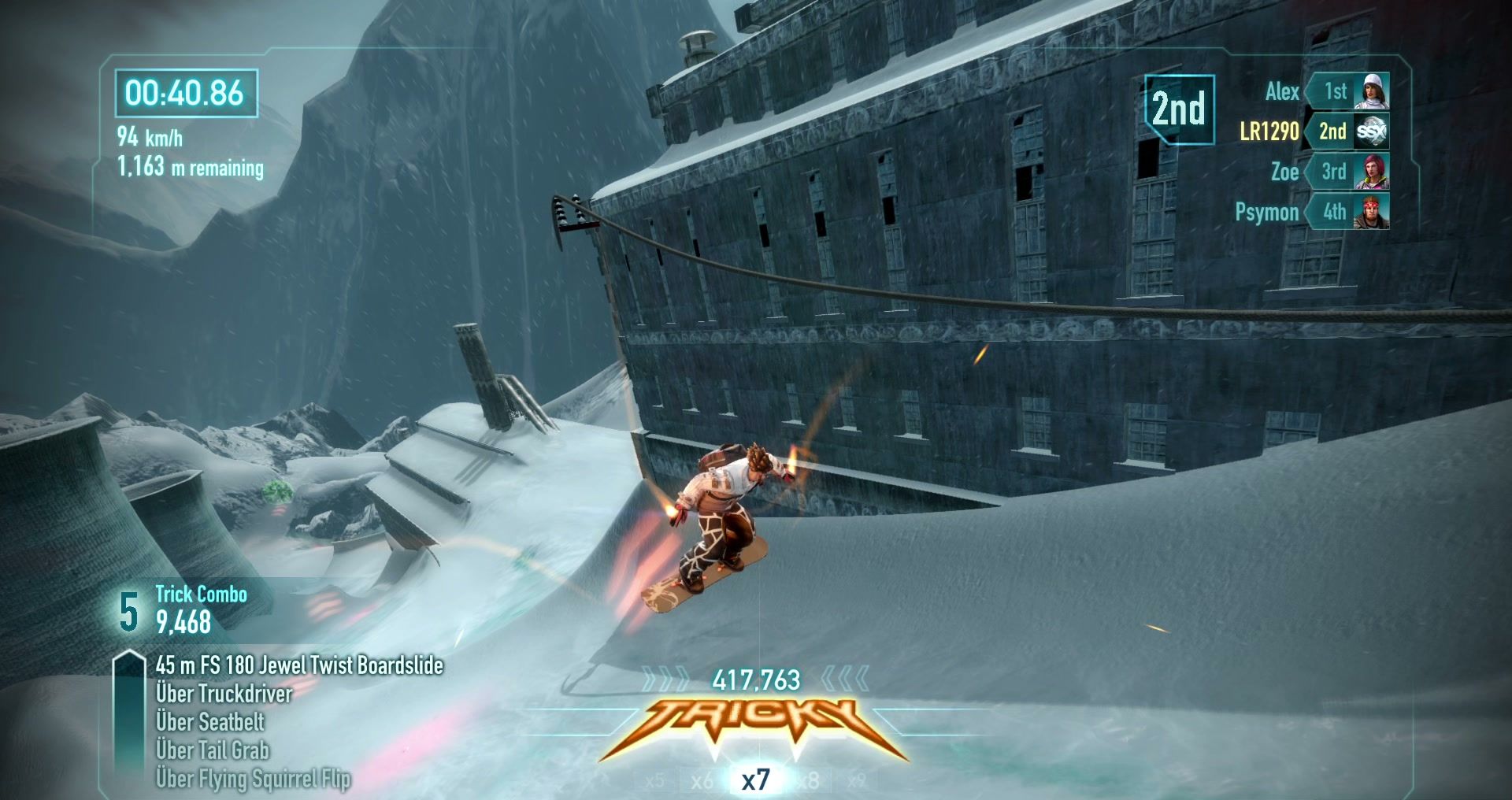
- Yes. Project Avalanche runs it natively on Windows and Linux, and players have finished the whole World Tour on it.
- What do you need?
- An ISO image of your own retail Xbox 360 disc of SSX (2012) and about 4.7 GB of free space.
- Where do you get it?
- Version 0.4.1 came out on 16 November 2026. Download it here; it's free and open source.

Is SSX 2012 on PC or Steam?
No. SSX was announced in 2010 as SSX: Deadly Descents and released by EA in 2012 as plain SSX, for Xbox 360 and PlayStation 3. There has never been an official Windows release, a Steam page or an EA app version. Store listings and downloads that claim otherwise are not from EA.
That leaves two ways to play it on a PC: run the console version in an emulator, or use a native port that reads the game's data from your own disc. Project Avalanche is that port.
Native port or emulator
An emulator imitates the console's hardware so the unchanged Xbox 360 or PlayStation 3 program can run on it. A native port is a regular Windows or Linux program. Both need your own copy of the game.
| Approach | How it runs | Native on PC | What you get |
|---|---|---|---|
| Emulator | Runs the unchanged console game inside software that imitates the console's hardware. | No, a console is emulated | Plays the console version on PC, at the cost of emulating a whole console. Fixes and new features are limited. |
| Project Avalanche | Reverse-engineers the file formats and the game's behaviour, then writes a new program that reads the original data and behaves like the original game. | Yes, on Windows and Linux | A native PC game that loads your own disc's data, with things the console never had: online play on dedicated servers, Linux and mods. |
The Xbox 360 emulator is Xenia, the PlayStation 3 emulator is RPCS3. How well a game runs in either depends on the emulator version and your hardware, so check their compatibility lists before you start.
Set up SSX 2012 natively with Project Avalanche
- Step 1
Download and unpack
Get the Windows
.zipor the Linux.tar.gzfrom the download page and unpack it into a folder of its own. - Step 2
Select your disc image
Start the launcher, click Set up game data and pick the ISO of your Xbox 360 disc. The image is only read.
- Step 3
Extract once
About 4.7 GB of game data are extracted. You can stop and resume it later.
- Step 4
Play
Click Play SSX (2012). Your progress is saved, and the launcher offers new releases by itself.
DLC (Mount Eddie, Japan and the bonus packs) and the title updates load from your own dump as well. The PlayStation 3 version is not used.
What you need
Windows: Windows, 64-bit (x64). A graphics card with up-to-date drivers. About 4.7 GB of free space for the extracted game data. An ISO image of your own retail Xbox 360 disc of SSX (2012).
Linux: Linux x86-64 with glibc from Ubuntu 24.04 or newer. A GPU with a Vulkan driver. ALSA for sound (PipeWire and PulseAudio provide it). Wayland or X11, and the XDG desktop portal for the file picker. About 4.7 GB of free space and your own Xbox 360 disc image.
A gamepad is recommended because SSX was made for one. The keyboard works too, and every key is listed in the launcher.
Which one to use
- Use Project Avalanche if you want to play on Linux, ride online on dedicated servers, use mods, or skip the cost of emulating a whole console.
- Use an emulator if you only own the PlayStation 3 version, or you want the console program itself, bugs included.
You may also have seen people looking for an SSX 2012 decomp or an SSX 2012 recomp. Those are two more ways to bring a console game to PC; the linked pages explain why Project Avalanche is neither.
FAQ
Do I need to own SSX (2012)?
Yes. You need an ISO image dumped from your own retail Xbox 360 disc of SSX (2012). No game data is included in the download, and the launcher only reads your image, it never changes it. DLC and title updates also come from your own dump.
Should I use an emulator or Project Avalanche?
An emulator such as RPCS3 (PlayStation 3) or Xenia (Xbox 360) runs the original console version inside an emulated console. Project Avalanche runs SSX (2012) as a native Windows or Linux program, with online play on dedicated servers and mod support. It needs an Xbox 360 disc image; the PlayStation 3 version is not used.
Which platforms does it run on?
Windows x64 and Linux x86-64. The Linux build is made on Ubuntu 24.04 and needs a Vulkan driver. A headless dedicated server is available for both. There is no macOS build at the moment.
Do I need a controller?
An Xbox-style gamepad is recommended because SSX was made for a pad, but the keyboard works too. The launcher lists every key under Settings, Controls.
Does Project Avalanche have online multiplayer?
Yes. You can ride online drops on the official servers or host your own dedicated server, which listens on port 27450 (UDP and TCP) and 27451 (UDP). Players and servers need the same version, because the network protocol changes between releases.