Windows
ProjectAvalanche-windows-x64.zip · matches this computer
- Windows, 64-bit (x64)
- A graphics card with up-to-date drivers
- About 4.7 GB of free space for the extracted game data
- An ISO image of your own retail Xbox 360 disc of SSX (2012)
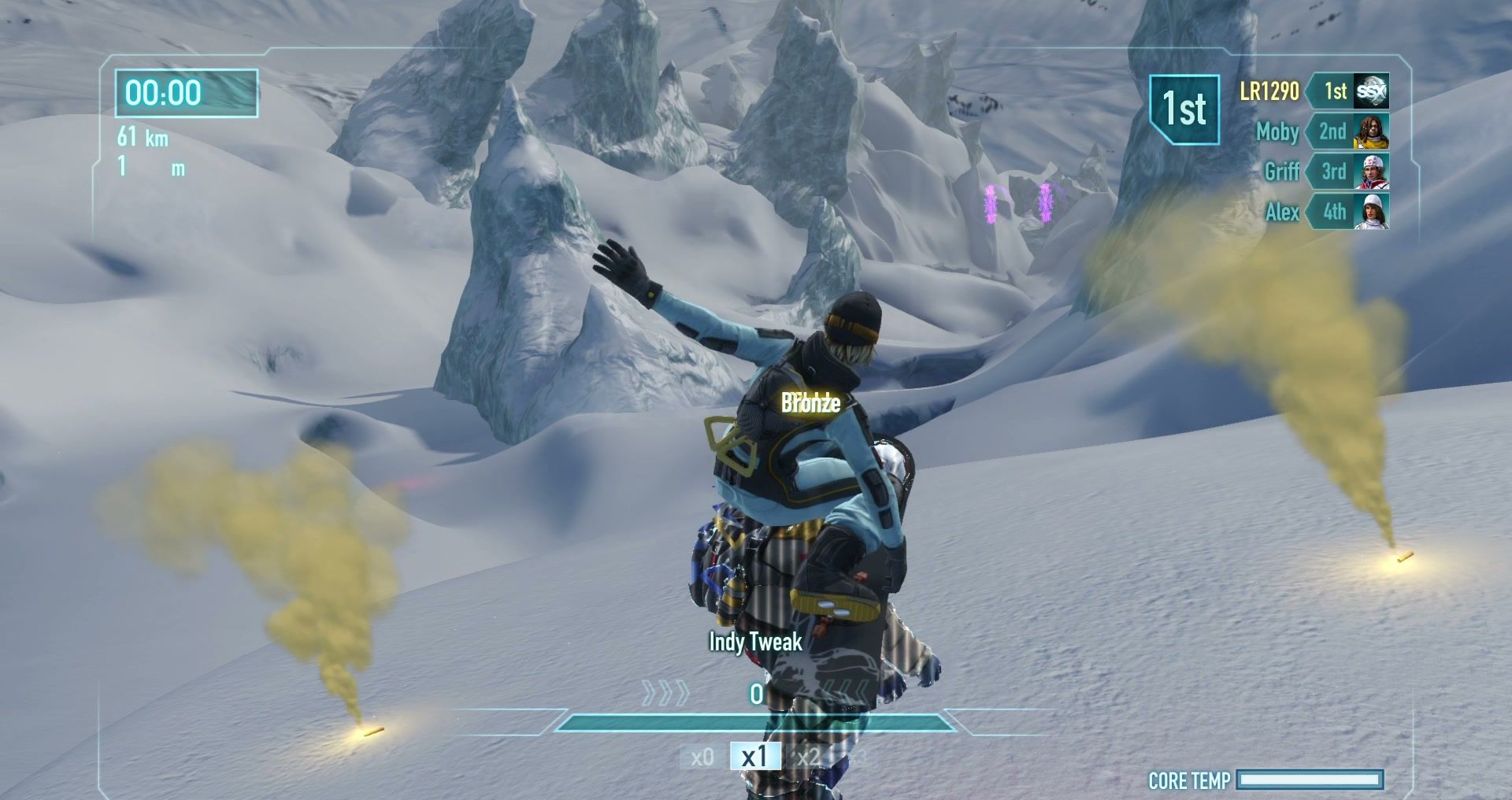
Version 0.4.1, released 16 November 2026. Free, open source, and without any game data: you set it up from your own Xbox 360 disc image.
ProjectAvalanche-windows-x64.zip · matches this computer
ProjectAvalanche-linux-x64.tar.gz · matches this computer
You need your own copy of SSX (2012). No game files are included, and none are available here. The files come straight from the GitHub release; only download Project Avalanche from there or from this site. There is no macOS build.
About fifteen minutes from download to the first drop, most of it the one-time extraction.
On Linux, unpack with mkdir ProjectAvalanche && tar -xzf ProjectAvalanche-linux-x64.tar.gz -C ProjectAvalanche. PROJECT_AVALANCHE_HOME overrides the data folder.
Download the Windows .zip or the Linux .tar.gz and unpack it into a folder of its own. Keep the launcher, avalanche-game, avalanche-movie and the fonts folder together.
Start Project Avalanche.exe on Windows or ./project-avalanche on Linux.
Click Set up game data, then select the ISO image dumped from your own retail Xbox 360 disc of SSX (2012). The image is only read, never changed.
Click Extract game data. About 4.7 GB are extracted once; you can cancel and resume later.
Click Play SSX (2012). The game opens in its own window and your progress is saved automatically.
Game data and saves are kept apart from the program, so an update never touches your progress. Back up your saves before trying a new build anyway.
%LOCALAPPDATA%\Project Avalanche\GameData%LOCALAPPDATA%\Project Avalanche\Saves\ssxvprofile~/.local/share/project-avalanche/GameData~/.local/share/project-avalanche/Saves/ssxvprofileFrom v0.4.0 on, the launcher offers new releases by itself. Coming from v0.3.2 or older, download the new version by hand once and unpack it over your install; settings, saves and game data stay where they are.
Run avalanche-server headless on Windows or Linux. It listens on port 27450 (UDP and TCP) and 27451 (UDP) and takes the rules from your own disc image.
Server for Linux Server for Windows
Check the known issues of the current release, then open an issue on GitHub with your OS, the version, the drop you played and the game's log.
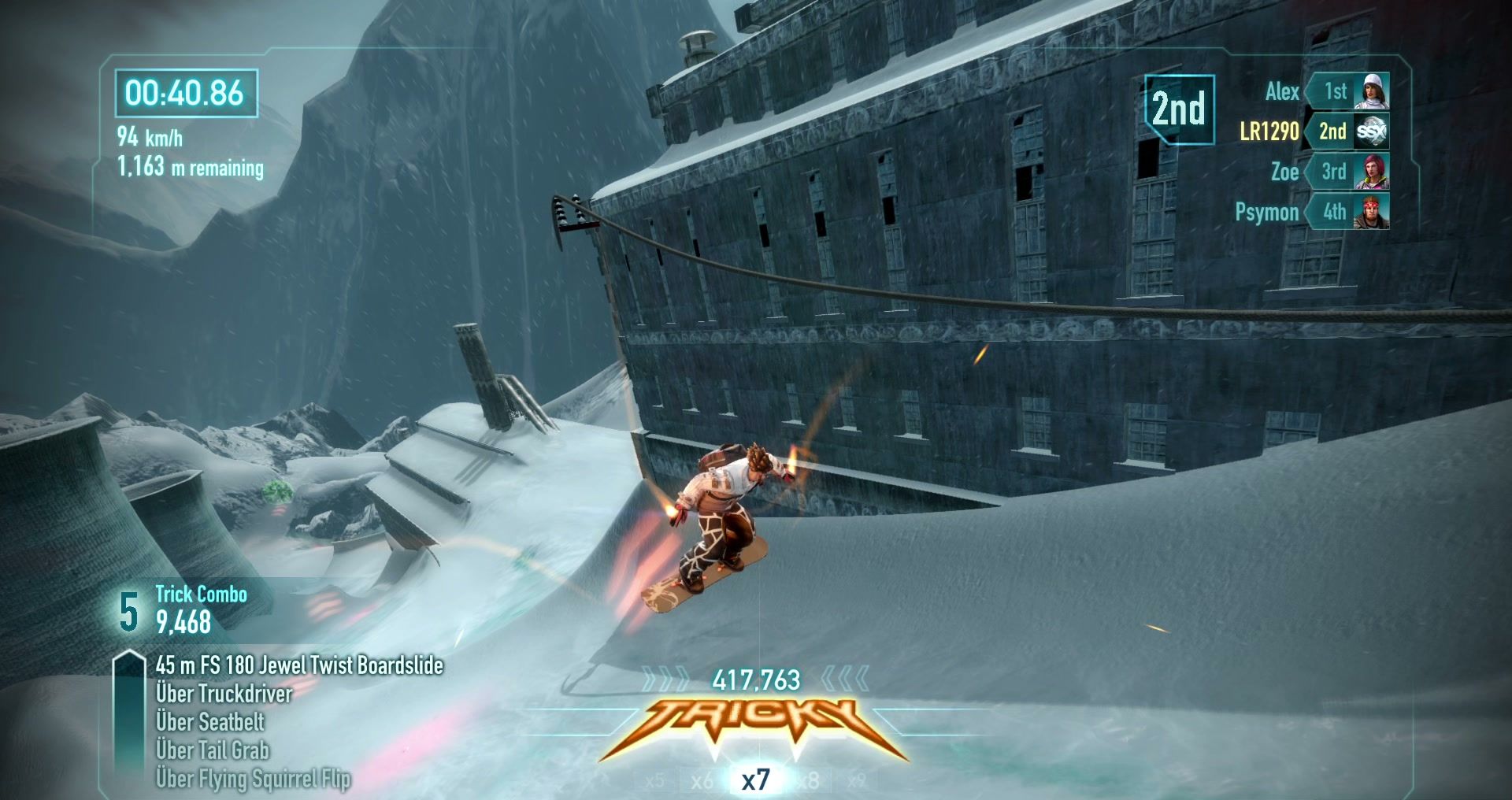
Setup help, online sessions and playtest builds are in the Discord. Bug reports and pull requests go to GitHub.